
Name-Based Case Searches
Start a Marshall County name search at the Minnesota Court Records Online Case Search. Choose the Name tab and type in a person or business name. If you want results limited to this county, pick Marshall from the location list. The portal also lets you filter by case category, filing date, and status. Spelling the name exactly gives you the narrowest set of hits. To widen it, MCRO offers a trailing wildcard after at least two characters, plus a separate Sounds Like option.
- Open MCRO and select the Name tab.
- Enter the last name, then add first or middle name details when known.
- Select specific county court locations and choose Marshall, or leave the search statewide when the location is uncertain.
- Use category, date, or status filters only when they help separate similar results.
- Open the matching case and read its Register of Actions and Hearings sections.
A defendant-name search has a real limit. Pending criminal cases can stay out of the results until a conviction lands. So a blank result does not mean Marshall County has no case at all. If a name lookup stalls, try a case number or citation number instead. You can also ask an attorney to run a search. The courthouse terminal works too. Court Administration can answer questions about a Marshall County docket. The MCRO public-access home opens the statewide court-record entry point. It is the one used for Marshall County case searches.
MCRO costs nothing to search and requires no account. It will not accept filings, set hearings, collect fines, or issue certified records.
Marshall County MCRO Case Search
The Marshall County District Court sits in the Minnesota District (Trial) Court system. MCRO serves as its statewide search layer. The Case Search page opens with four tabs: Name, Case Number, Citation Number, and Attorney. One control earns special attention. The Court Locations filter lists Marshall among the statewide county locations. So choose Specific County Court Locations, type Marshall, and run the query again when a statewide comparison would help your docket search.
| Field | Type | Required | Marshall search use |
|---|---|---|---|
| Last Name | Text | No | Exact name, or a trailing wildcard after two characters |
| First Name | Text | No | Helps narrow shared surnames |
| Case Status | Dropdown | No | All, Active, or Inactive results |
| Case Category | Checkboxes | No | Civil, Criminal, Family, or Probate or Mental Health |
| Court Locations | Selector | No | Statewide or the Marshall County court location |
The official MCRO Case Search form shows the name, case-number, citation-number, and attorney paths a Marshall County docket search relies on.
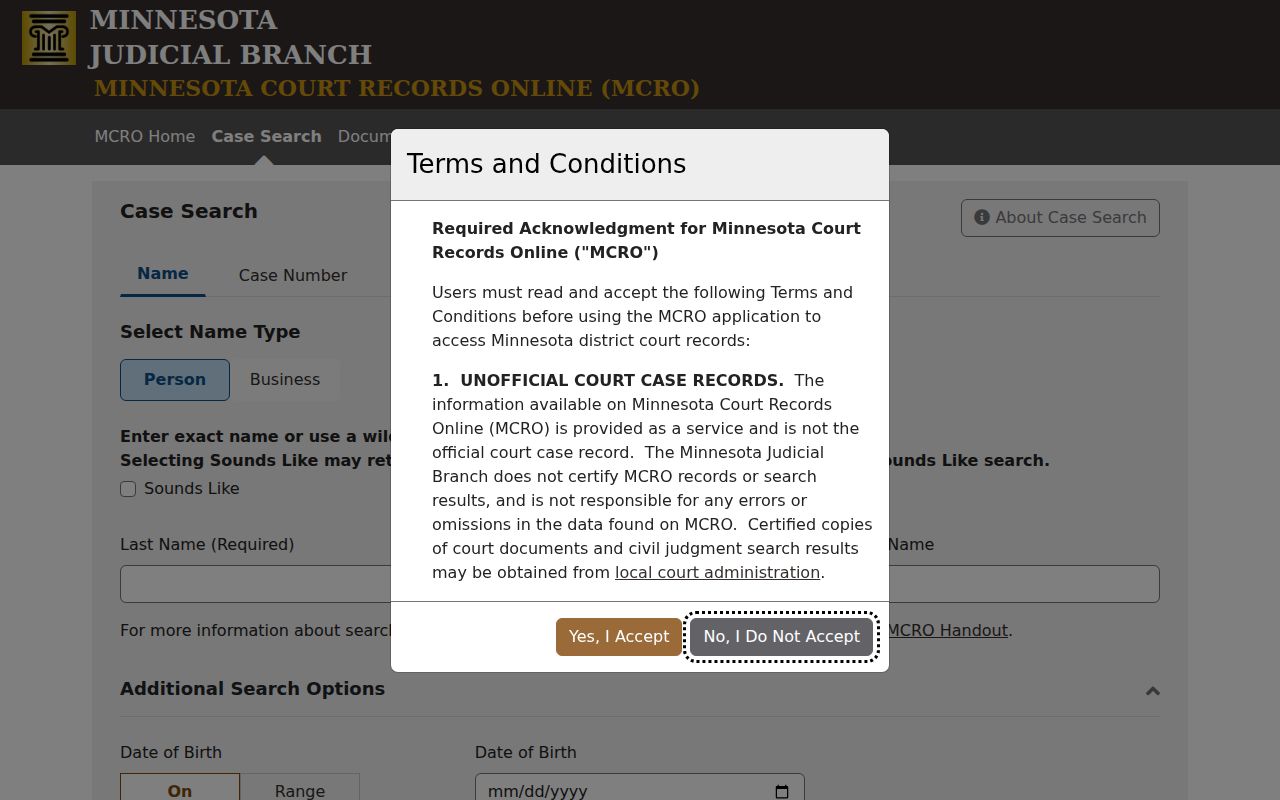
MCRO sorts queries into tabs. A citation search, an attorney search, and a name search stay separate. A person with a known Marshall County court file number uses one tab. A person with only a name uses another. Pick the tab that fits what you actually know before you run the docket search.
Two broadening tricks exist. Sounds Like catches spelling variations, and a trailing wildcard catches truncated names. They will not work together. Choose one. If the results flood in, tighten the query and run it again. The official quick guide also tells users to move through MCRO with its breadcrumbs, not the browser Back button. That button can drop your session mid-search.
Case Number Searches
For a Marshall County case lookup, the court file number beats every other key. Minnesota breaks a typical number into parts. You get a two-digit county identifier, usually two case-type letters, a two-digit year, then a sequence. Some carry extra location letters. The paper itself governs the exact format. When a notice, order, or citation from Marshall County court shows a number, type it into MCRO exactly as printed. The spacing, letters, and sequence come from the record itself.
A pattern like XX-CR-YY-##### shows the pieces in order: county, case type, year, sequence. It does not belong to any real matter. A citation number gets its own tab in the tool. One caution holds. A vehicle plate will not work here. A plate is not an MCRO web-search key for court records.
Marshall County Case Search Keys
Each MCRO tool answers a different question. Match the tool to the task before searching a Marshall County docket. Case Search returns the case record itself. Document Search needs a complete case number and lists documents newest first. Hearing Search shows scheduled settings by name, case number, judicial officer, or attorney. Judgment Search covers monetary judgment details and satisfactions. None of these is a full substitute for the Marshall County case register.
The MCRO Document Search page is built around one thing: a complete court file number and its Find Documents control. That control pulls up the papers filed under that number.
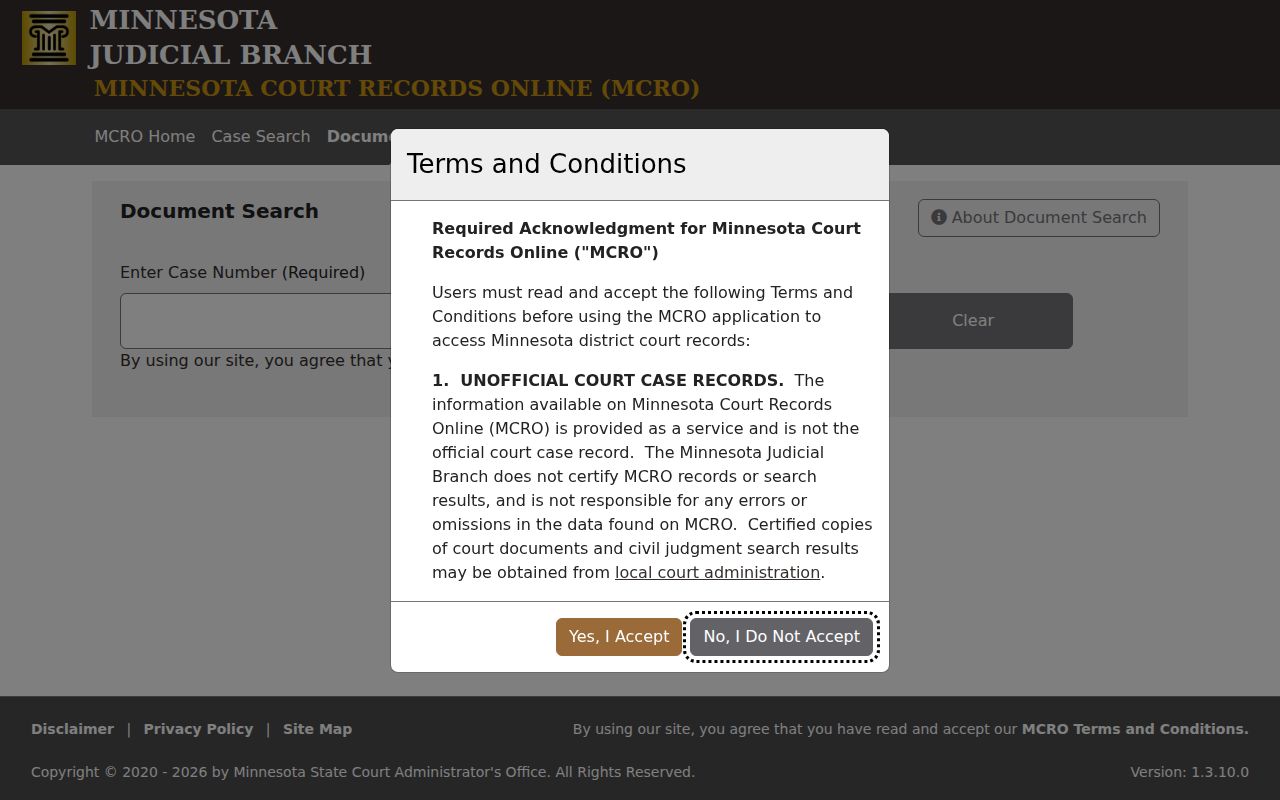
A document indexed under Case Events can also open into the document view from its record line. Just know the limit. Older filings may not exist online, so an index entry never promises remote image access to the underlying pages.
Case Search Results Explained
Click a result. MCRO then opens its Case Details page, which some courts call the Register of Actions. The page sorts everything into sections. You get basic case information, the parties, any charges or claims, events, hearings, financial details, and disposition fields. Events list newest first. So start at the top of that list to see the latest docket activity. Keep in mind that a charge or filing is just a court field. It is not, by itself, a final outcome.
| Case Information | File number, case title, category, filed date, venue, judicial officer, status, flags, and related cases where displayed. |
|---|---|
| Case Events | Most-recent-first entries with event date, description, and sometimes a document index or view control. |
| Hearings | Upcoming and prior settings that should be checked against the Marshall daily calendar. |
| Disposition | Outcome fields such as dismissal, settlement, plea, sentencing, judgment, or other recorded result. |
| Financial Information | Amounts, payments, credits, balances, or restitution when the case view makes them public. |
Marshall County Case Register Details
Minnesota's version of the docket carries the name Register of Actions. For a Marshall County case, it works as both timeline and index, while the case file keeps the filings, orders, exhibits, and other retained materials behind that record. A setting simply means a proceeding has been scheduled. If you see a continuance or a reset, the date moved. The case itself is still open, and that entry alone does not end it.
- Filed
- A document or initiating pleading was accepted into the court file, not necessarily decided.
- Order
- A judicial direction that may be interim, procedural, or final.
- Closed
- A status field, not a statement that every later obligation or document is public remotely.
- Restricted or sealed
- An access status, not another word for dismissed, closed, or expunged.
Always read the event text next to the current hearing field. That quick pairing keeps you from mistaking an old notice for the setting that still stands.
Two Ways to Search: County and State
Marshall County runs no separate county case-search portal of its own. One system, MCRO, plays both parts. Pick Marshall from the county filter. The docket results narrow to the Marshall County court location. Pick Statewide instead when you do not know where the case was filed. A common name might also surface in another Minnesota county. Either route taps the same public court records system. Just remember that both return unofficial copies of the record, never certified ones.
| Search choice | Best use | What it returns |
|---|---|---|
| Marshall location filter | A known Marshall County matter | MCRO results limited to the selected county court location |
| Statewide search | An uncertain filing county or broad name check | Participating Minnesota court-location results |
| Courthouse terminal | More complete local electronic access | Public access available at the district courthouse, subject to restrictions |
Found a match but need the papers themselves? Turn to the local Marshall County court case records channels whenever the public view lacks the copy you need.
Marshall County Hearing Case Search
A case number tells you what the matter is. A hearing question needs calendar tools instead. MCRO Hearing Search lets you query by name, case number, judicial officer, or attorney, then filter by hearing date, category, and county. Case Details adds some related history. The Marshall County daily calendar is worth a separate look for local dates.
The MCRO Hearing Search page lays out every hearing-query option that applies to Marshall County.
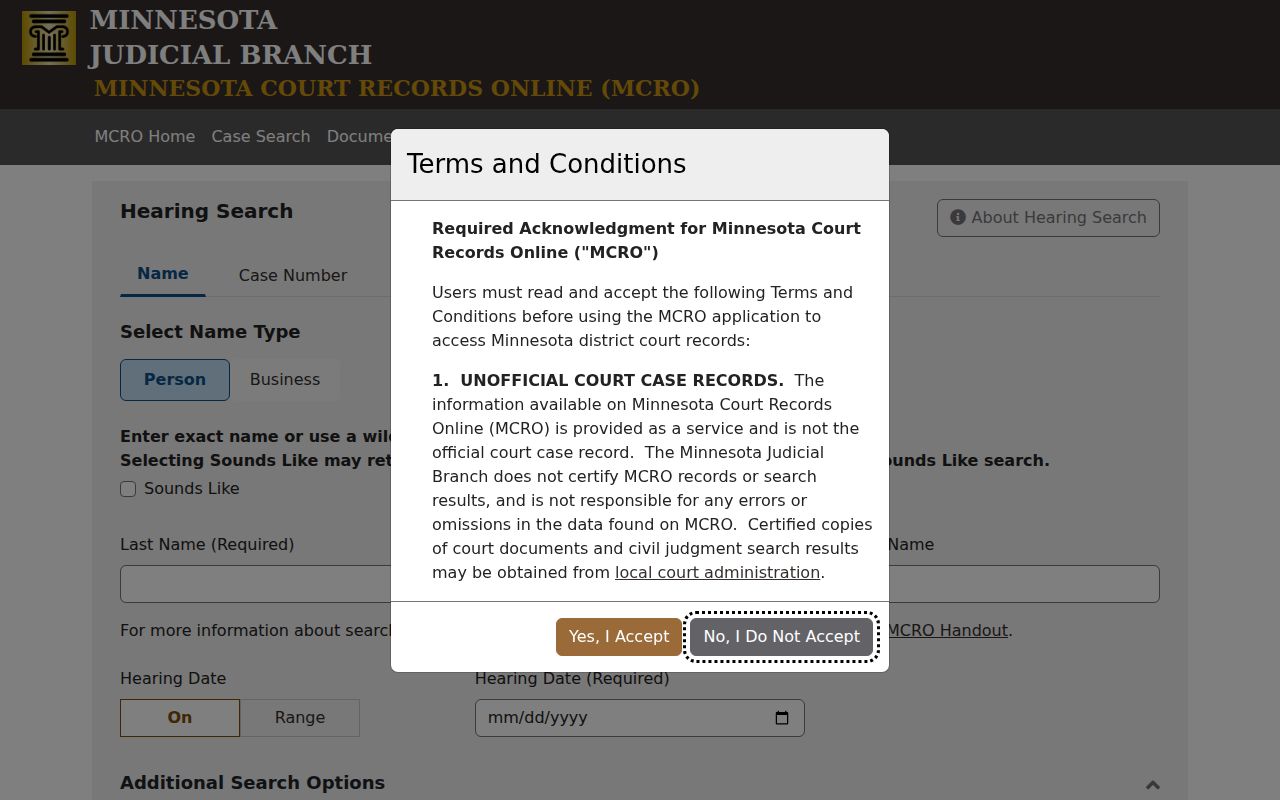
The official Marshall calendar comes out each business day and gets hourly updates. Even so, the printed calendars outside courtrooms and in public lobbies count as the most current local source. A missing PDF entry does not prove a hearing was canceled.
Which Cases Stay Restricted
Public access to Marshall County court records has a rulebook. Minnesota General Rules of Practice Rule 8 governs it. What you can see remotely is narrower than what you can inspect at the courthouse. Some case types get restricted. Protection-order, juvenile, child-protection, commitment, and some family materials may be limited, redacted, or simply absent from MCRO. A sealed case is not the same as a dismissed or expunged one. An empty remote result does not mean no court record exists.
Need a confidential or sealed record? The court may point you to CON101, Request for Access to Confidential or Sealed Record. The form asks for the county and the court file number. It also wants the case type, the records you want, and your reason for access. The court then decides whether to grant it.
Marshall County Restricted Case Access
Rule 8 allows inspection and copying of public original records where they are normally kept, during regular hours. Remote viewing has its own, tighter limits. For record-specific questions, certified copies, older paper files, or help with a restricted-access request, Marshall County Court Administration is the local stop. Staff explain procedure. They cannot give legal advice.
Read the official Rule 8 text for the full access rule, and turn to the CON101 form page when ordinary public search will not reach the record. Never guess at redacted details from a partial result.
Note: A court order, identity check, or case-specific rule can affect a restricted-record request.
Marshall County Document Case Search
Document Search works best once you hold the Marshall County case number. Type the complete number. Scan the reverse-chronological list. Then lean on the Case Events index to see where each filing sits in the Marshall County court record. MCRO warns that online documents before July 1, 2015 are very limited. Older items may require a paper file or the fuller courthouse-terminal view.
The MCRO Judgment Search handles a different job: monetary judgment details, including satisfactions.
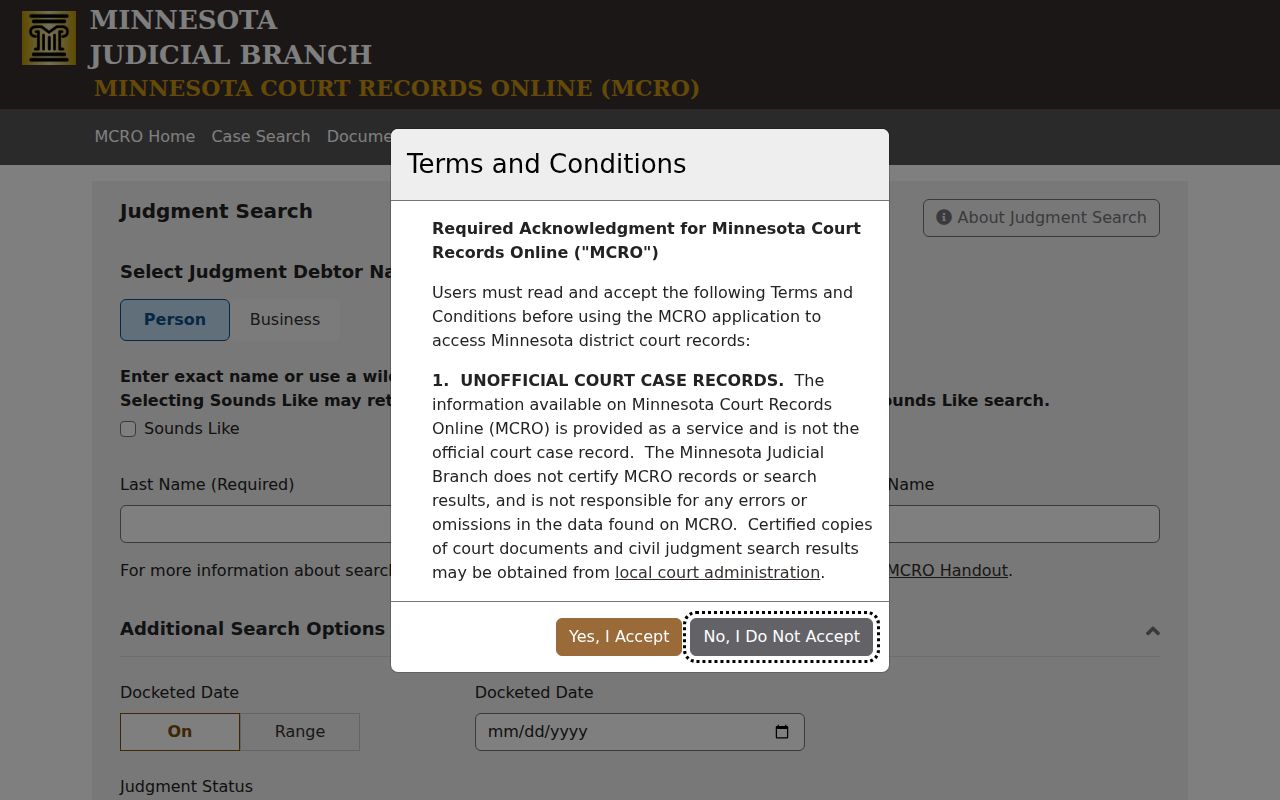
Non-monetary outcomes live in Case Details instead. So a Judgment Search result is never the full case narrative.
Marshall County Courthouse Case Access
MCRO can come up empty, thin, or too old. In that case, head for the district courthouse public-access terminal. Minnesota puts terminals in every district courthouse and calls them the more complete electronic-access channel. Marshall County sits in the Ninth Judicial District. There, Court Administration can walk you through inspecting locally held paper records or ordering a certified copy. Calling about a hearing? Check the daily calendar first.
This fallback chain guards against one common mistake. People treat an online search result as the official record. MCRO itself labels its results unofficial and subject to availability. When certification matters, Court Administration supplies certified copies.
Marshall County Case Search Tips
Begin with the most exact key you have. Then work through the case category, county filter, spelling, date range, and status before concluding a Marshall County result is missing. Hearing question? Use Hearing Search or the daily calendar. Document question? Wait until you have the complete court file number. That order keeps every MCRO tool matched to the job it does.
The MCRO sitemap lists the separate public search tools plus their access notices.
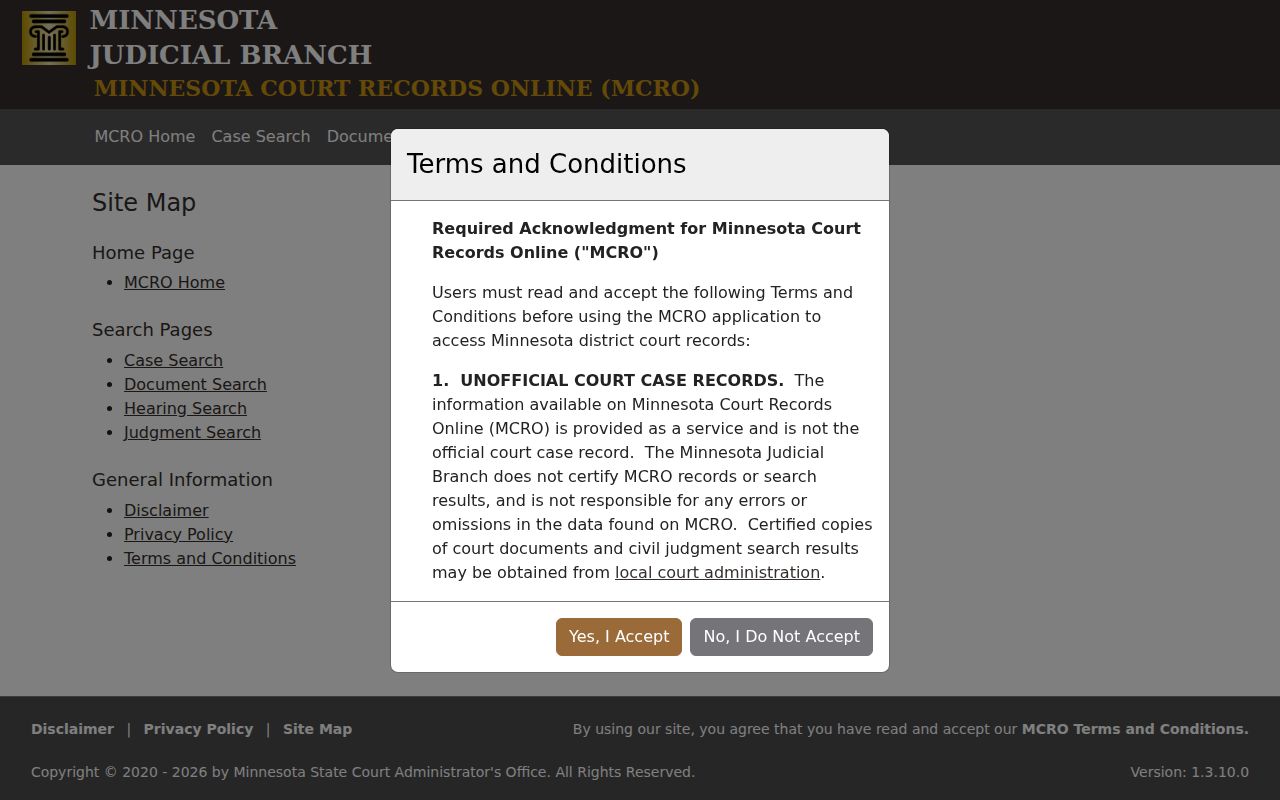
The separate paths matter. A case search, document search, hearing search, and judgment search each return a different slice of the court record, so one tool can never stand in for the rest.