
Marshall County Calendar Posting Rhythm
Marshall County District Court does not run a separate scheduling portal. Instead, it posts a searchable daily-calendar PDF. The official notice says the file appears at 7:00 a.m. each business day. It gets hourly updates. That rhythm suits a same-day check. It also means an earlier download can go stale fast. The printed calendars also matter locally. Those outside courtrooms and in public lobbies are treated as the most current source.
Remember that the calendar is just a list of settings. It does not replace the Register of Actions. Want prior events, a linked document, or a fuller Hearings block? A case's MCRO record is the better tool. Read both before treating any hearing line as final.
The posting rhythm also matters for how you use the file. Always open the current date's PDF. Never save an old one as a standing schedule. The document can be revised all through a business day. A setting may move, or a new case may be added. An entry may look thin. In each case, the courthouse postings are the cross-check. The clerk offers no official calendar archive and no separate calendar application. The live daily PDF and the courthouse postings are the local sources.
How the Marshall County Court Calendar Works
Marshall County runs one calendar for its district-court system. The district court handles local civil, family, probate, juvenile, criminal, and traffic cases. There is no separate Marshall municipal or justice-court calendar. Every state-court date runs through one place. It is the Marshall County District Court schedule and its Court Administration office.
The county's calendar landing page links to a daily PDF. One caution: the online calendar can change. It omits some matters. It is not a cancellation notice. A line left off may point to confidentiality or remote-access limits rather than a cancelled hearing. When sources disagree, the case notice or the court itself controls.
The official county-calendar page carries the daily schedule.
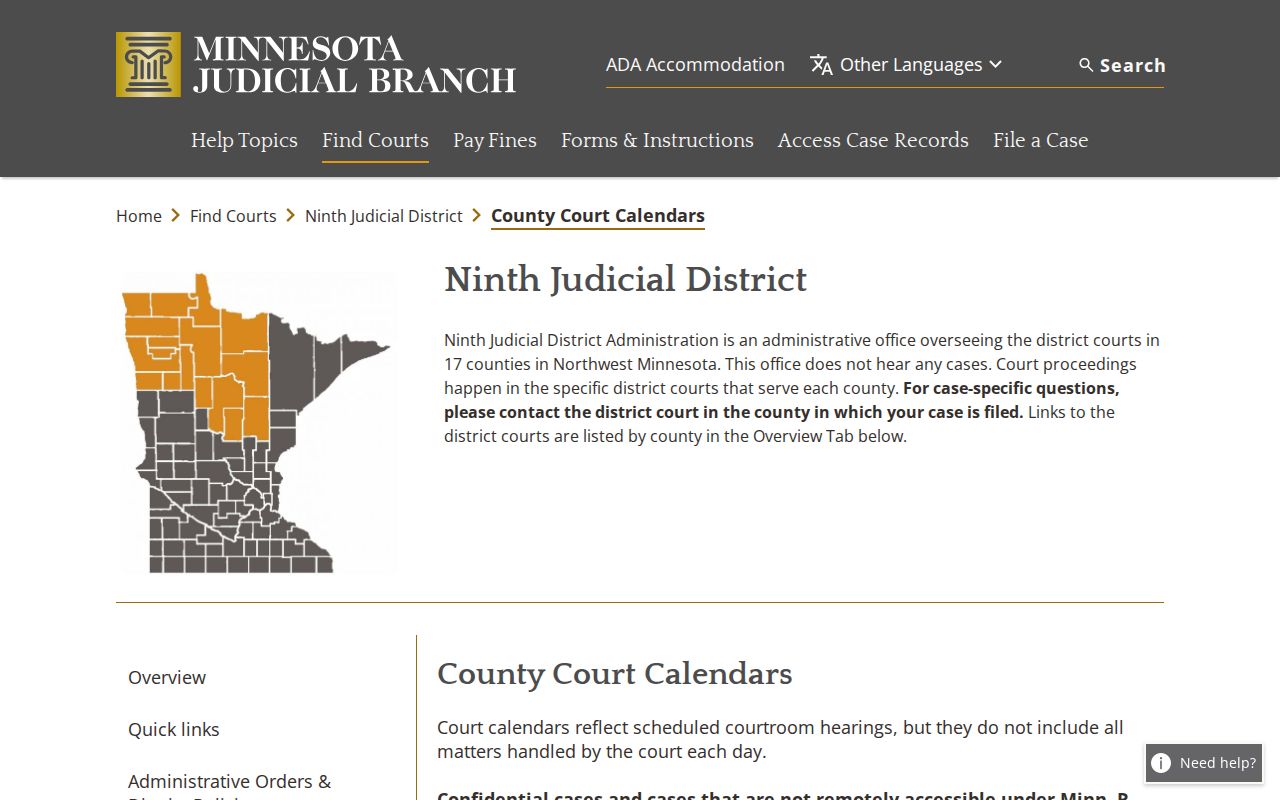
The official calendar page gives the county route. The current daily PDF supplies the actual setting list for the Marshall court schedule.
Marshall County PDF and Lobby Calendars
The Marshall daily calendar PDF is searchable and works remotely. Each line can show the hearing date and time. It can show the court or courtroom. Case number and case style may appear too. The proceeding description and judicial officer or court information often round out the line. Party or attorney details appear where public display permits. Check the actual PDF for the exact layout. A setting line varies with the case type.
Printed calendars beat the remote PDF for currency. Look outside the courtrooms and in the public lobbies. They matter most after an hourly update, a quick rescheduling action, or a midday change. A public observer may use the schedule for civic reporting. Still, confidential and non-remotely accessible matters can be absent. Both the online and public displays share that gap.
Marshall County Court Date Lookups
Use every date channel when a Marshall County court date matters. Start with the daily calendar and MCRO Hearing Search. The best key is a case number from a notice, order, citation, or letter. Check the searchable calendar again close to the appearance time. It changes. The court points to printed calendars itself. The lobby and courtroom postings are the most current local check.
- Open the Marshall daily calendar PDF and search for the case number, case style, or other visible setting information.
- Run MCRO Hearing Search by name, case number, judicial officer, or attorney, then filter by hearing date, category, and Marshall location.
- Open MCRO Case Details and compare its Hearings block and newest Case Events with the calendar result.
- At the courthouse, check the printed public-lobby or courtroom calendar, which the court calls the most current local source, and ask the Court Administration counter when the setting needs confirmation.
- Call Marshall County Court Administration at (218) 745-4921 for a record-specific question or verify the date through the party's attorney when one represents the party.
The Marshall court page links remote hearing information. No standing order makes every calendar item remote. For an individual setting, rely on the notice or Court Administration instructions.
Marshall County MCRO Hearing Search
MCRO Hearing Search offers separate tabs for name, case number, judicial officer, and attorney searches. You can filter by exact or date-range hearing dates. Case-type filters cover Civil, Criminal, Family, or Probate or Mental Health. Location filters cover statewide or selected county locations. Results show scheduled-hearing information. More history can appear in the opened Case Details record.
Search by case number whenever you can. For name searches, the same exact-name, wildcard, and Sounds Like rules apply as in MCRO Case Search. Hearing Search earns its keep when the daily PDF is hard to search. That goes for a person, a lawyer, or an assigned judicial officer. It does not guarantee that confidential matters will display remotely.
Court Settings: What Each Field Means
A court setting is a scheduled proceeding. It may be an arraignment, pretrial, motion hearing, trial, review, or another event. Read the time and court line together with the case number and the proceeding description. A listed judge or court identifies the presiding court information. That name is not a promise. The hearing may not continue unchanged.
| Date | The scheduled calendar date. Compare it with the newest Case Event if the case has been reset. |
|---|---|
| Time | The time printed for the setting. It should be read from the current calendar or court notice. |
| Court or courtroom | The court or courtroom information where it appears on the daily PDF. The field can vary by the entry. |
| Case number and style | The identifiers that connect the setting to the correct Register of Actions. |
| Proceeding description | The hearing type or purpose. It is a setting label, not a disposition. |
| Judicial officer | The court information shown for the setting. Check the current calendar before relying on it. |
A calendar line shows the clock time of an event. The case register holds the fuller story behind that setting.
Marshall County Hearing Search Filters
Filters do the heavy lifting in a Marshall County hearing search. Category choices in MCRO include Civil, Criminal, Family, and Probate or Mental Health. They keep same-name parties from tangling together. Pick Marshall under court locations for local results. A statewide search makes sense only if the case might be filed somewhere else. The date range trims the list to the period you care about.
Hearing Search and Case Details answer different questions. One finds scheduled proceedings through searchable fields. The other opens the Register of Actions. There, Case Events and a Hearings section can list upcoming and past settings side by side. The daily PDF rounds out the picture as the local current-calendar view. Check all three. That keeps you from mistaking a thin result for the whole Marshall County court docket.
When a Court Date Moves
A continuance or reset moves a proceeding to a new date. Nothing more. It does not decide the case, dismiss a charge, or wipe out the first setting. The same date can show up twice. Read the newest Case Event and the Hearings block. Then check the current daily calendar. The later setting usually controls. Court Administration settles the question whenever the record stays murky.
A calendar line can vanish for reasons that have nothing to do with cancellation. The matter may be confidential or simply not available remotely. Treat the public PDF as a schedule, not a cancellation notice. Never skip a required appearance just because an entry went missing. For a true change, rely on the court. Rely too on the judge's instructions, a current notice, or direct confirmation.
Read the event description, not just the date. A notice of hearing can linger in the register after a later reset. An old calendar line may still sit in an earlier PDF. The newest Case Event, the current Hearings block, and the daily PDF can disagree. The local office verifies the schedule. A reset changes the setting. It does not decide the case by itself.
Marshall County Calendar Access Limits
Minnesota General Rules of Practice Rule 8 sets the framework for court calendars, registers, inspection, copying, and remote access. What the public sees at the courthouse is broader than what appears online. The rule's advisory material spells out added limits. Those cover protection-order, juvenile, child-protection, commitment, and certain family records.
That line explains why a matter may drop off the Marshall public calendar. A remote omission proves nothing about cancellation and licenses no guessing about a protected case. The court keeps the final access call for each file and each setting.
Missed Settings and What Comes Next
Move fast after a missed Marshall County setting. Start with the daily calendar, MCRO Hearing Search, and the case register. The goal is the newest entry. Then call Court Administration, and contact the attorney if one is involved. The next step turns on the case type and what the court ordered. An online calendar alone will not fix the problem.
Important: A missed required appearance can have serious case consequences, including a warrant or other action in an appropriate matter. Contact the court or counsel promptly.
The public calendar can change or omit restricted matters. A missing PDF line does not remove an obligation to appear unless the court or judge gives a new instruction.
Marshall County Court Administration sits in the Marshall County Courthouse at 208 E Colvin Avenue, Suite 18, Warren, Minnesota 56762. The office keeps business hours Monday through Friday, 8:00 a.m. to 4:30 p.m. Staff there can walk you through court procedure and record access. They cannot give legal advice.